Belkin Thunderbolt 3 Dock Pro
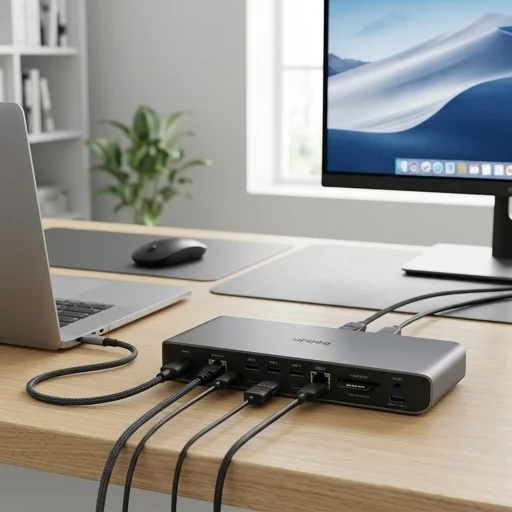
Key features
- Thunderbolt 3 40Gbps connectivity
- Dual 4K display support (or single 5K)
- 85W laptop charging via USB-C
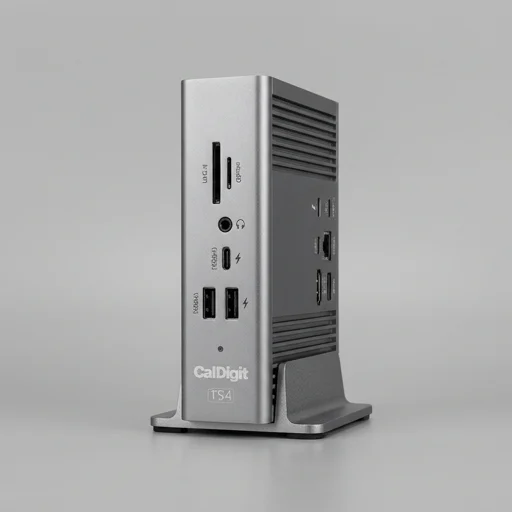
- 5x USB-A ports, 2x USB-C ports
- Gigabit Ethernet port
- 3.5mm audio in/out jacks
- SD and microSD card readers
Specifications
Pros
- ✓ Powerful single-cable docking solution
- ✓ Charges laptop while docked
- ✓ Excellent multi-monitor support
- ✓ Sturdy aluminum build quality
- ✓ Wide port selection for peripherals
Cons
- ✕ Premium price point
- ✕ Thunderbolt 3 cable sold separately on some bundles
- ✕ Can run warm under heavy load
- ✕ Limited Thunderbolt 4 features
In-Depth Review
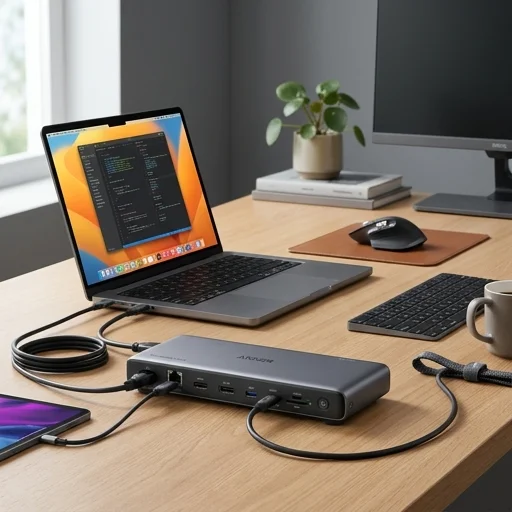
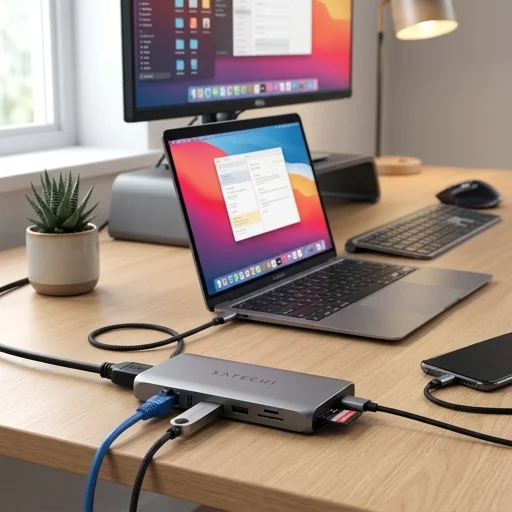
The Belkin Thunderbolt Dock stands as a purpose-built solution for professionals who demand a single-cable answer to their home office chaos, transforming a cluttered desk of dangling peripherals into a clean, organized workstation. Built around Thunderbolt 3 technology, this docking station connects to a compatible laptop through one cable, delivering data transfer, video output, and power delivery simultaneously. For anyone who has grown tired of unplugging and replugging a half dozen cables every time they leave their desk, this dock offers the simple luxury of docking and undocking with a single connection, restoring immediate access to monitors, storage drives, and accessories the moment the cable clicks into place. Under the hood, the Belkin Thunderbolt Dock supports dual 4K display output, making it an excellent match for home office setups that rely on multi-monitor arrangements for spreadsheets, design work, or video conferencing across several screens. Its array of USB-A and USB-C ports accommodates external hard drives, webcams, keyboards, and mice without forcing users to sacrifice bandwidth or speed, while integrated Gigabit Ethernet ensures a stable wired internet connection for those video calls and large file uploads that Wi-Fi alone can struggle to handle reliably. The inclusion of laptop charging through the dock itself further reduces desk clutter, eliminating the need for a separate power brick fighting for space alongside monitor and peripheral cables. Physically, the dock is designed with the realities of a home office in mind, featuring a compact footprint that fits comfortably on a desk, credenza, or discreetly mounted beneath a work surface using its included mounting bracket. Its aluminum chassis not only reinforces durability but also dissipates heat efficiently during extended workdays, an important consideration for anyone running multiple high-resolution displays and demanding peripherals simultaneously. Whether the goal is building a minimalist workstation, maximizing screen real estate for productivity, or simply reducing the daily friction of setting up and breaking down a workspace, the Belkin Thunderbolt Dock delivers a dependable backbone that lets the rest of the home office setup operate as intended.
Customer reviews
One cable to my MacBook Pro and I'm instantly connected to dual monitors, ethernet, and all my peripherals. Rock solid performance.
Works exactly as advertised with zero driver issues, but you definitely pay a premium for the Thunderbolt branding and reliability.
Been using this for over a year now for work. Charges my laptop fully and handles two external monitors without any lag.
The port selection is fantastic - I plug in my SD card from my camera, external drives, and everything just works instantly.