Dell WD19TB Thunderbolt Dock
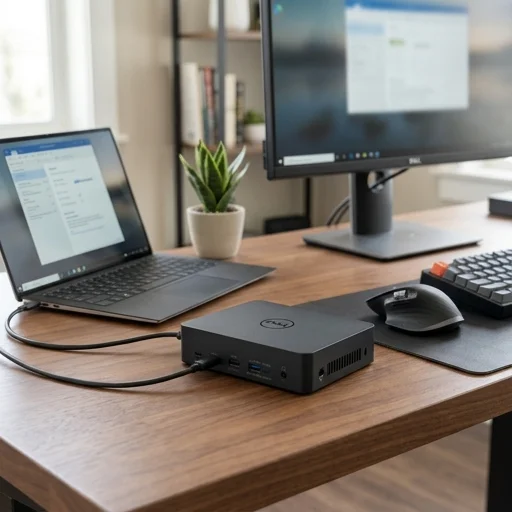
Key features
- Thunderbolt 3 connectivity with 40Gbps data transfer
- Up to 130W power delivery for laptop charging
- Dual 4K display support via DisplayPort or HDMI
- Multiple USB-A and USB-C ports for peripherals
- Gigabit Ethernet port for stable wired networking
- Single cable connection for power, video, and data
Specifications
Pros
- ✓ Single Thunderbolt cable simplifies desk setup
- ✓ Powerful 130W charging works with most Dell laptops
- ✓ Supports dual 4K monitors smoothly
- ✓ Solid build quality with compact footprint
- ✓ Wide port selection reduces need for extra adapters
- ✓ Reliable Ethernet connection for video calls
Cons
- ✕ Expensive compared to standard USB-C docks
- ✕ Only fully compatible with Thunderbolt 3 enabled laptops
- ✕ Firmware updates sometimes required for stability
- ✕ No Thunderbolt 4 support for future-proofing
- ✕ Fan noise can be noticeable under heavy load
In-Depth Review
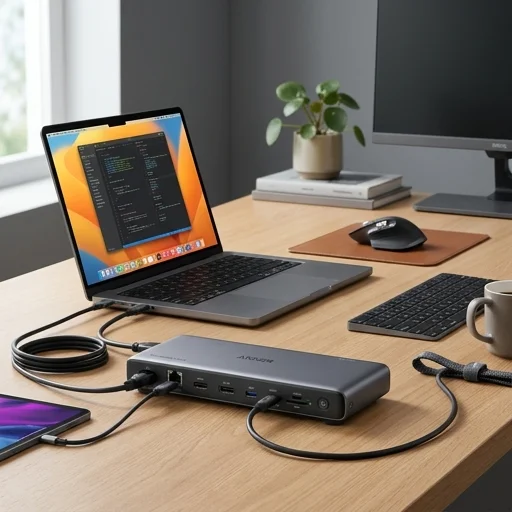
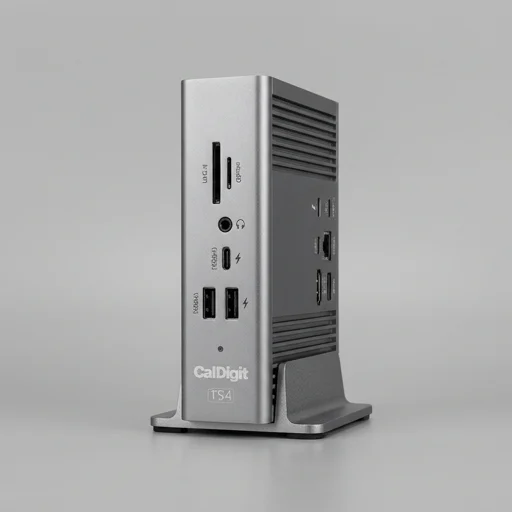
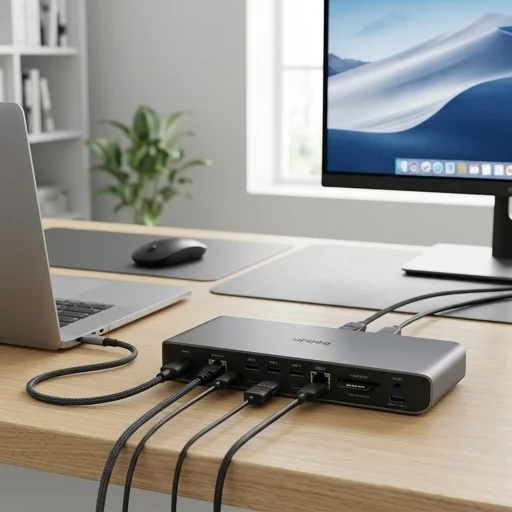
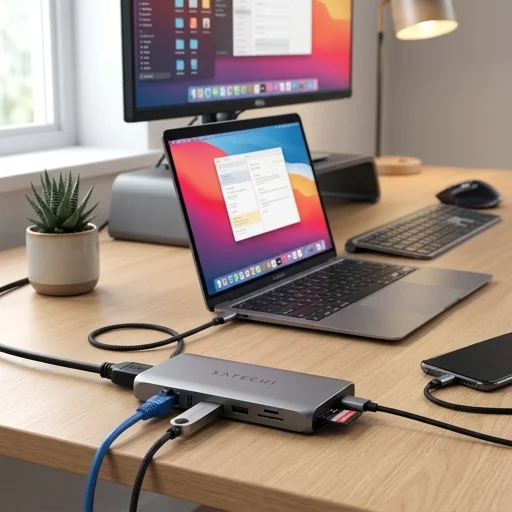
The Dell WD19TB is a Thunderbolt 3 docking station built for professionals who want a single-cable solution to transform any compatible laptop into a full desktop workstation. Designed primarily for Dell business laptops but compatible with a wide range of Thunderbolt 3-enabled devices, this dock connects via one USB-C cable to deliver simultaneous power, data, and video signals. It supports up to 130W of power delivery, meaning many laptops can charge fully while docked without needing a separate charger. This makes it especially appealing to home office users who want to reduce cable clutter while maintaining a powerful, reliable connection between their laptop and peripherals. Performance and versatility define the WD19TB's appeal in a home office setup. It supports triple 4K monitor configurations, making it ideal for users who need extensive screen real estate for multitasking, data analysis, video editing, or simply keeping multiple applications visible at once. The dock includes a generous array of ports, including USB-A, USB-C, DisplayPort, HDMI, Ethernet, and audio jacks, allowing users to connect printers, external drives, webcams, keyboards, mice, and wired networking equipment simultaneously. The Thunderbolt 3 interface ensures fast data transfer speeds, which is particularly useful for professionals working with large files, high-resolution video, or bandwidth-intensive applications. Beyond raw specifications, the Dell WD19TB is engineered for the practical realities of a modern home office. Its compact, understated design fits neatly on a desk without dominating the space, and its plug-and-play simplicity means minimal setup time, an important factor for remote workers who need to get up and running quickly. Because it draws power efficiently and reduces the need for multiple adapters and cables, it also contributes to a cleaner, more organized workspace. For anyone building a serious home office around a Dell laptop, the WD19TB offers the reliability, expandability, and convenience needed to replicate a full corporate desk setup at home.
Customer reviews
Connected my two 4K monitors without any lag or flickering. The 130W charging keeps my XPS topped up even during heavy workloads. Highly recommend for a clean desk setup.
Works flawlessly with my Latitude laptop. Only issue is the price point compared to generic docks, but the reliability makes up for it.
Ethernet connection has been rock solid for video calls. Setup was simple once I updated the firmware. A few ports feel a bit tight when plugging in bulky cables.
Functionality is great but the fan gets loud when I'm running dual monitors and charging simultaneously. Otherwise does its job well.
I just plug in one Thunderbolt cable and everything works instantly - monitors, keyboard, mouse, and charging. Makes my home office feel so much cleaner.