Dell UltraSharp 27 Monitor (U2723QE)
Key features
- 27-inch 4K UHD IPS Black panel
- 2000:1 contrast ratio with IPS Black technology
- USB-C connectivity with 90W power delivery
- Height, tilt, swivel, and pivot adjustable stand
- Built-in KVM switch and USB hub
- Factory color calibration with 98% DCI-P3 coverage
Specifications
Pros
- ✓ Exceptional color accuracy out of the box
- ✓ Sharp 4K resolution ideal for productivity and design
- ✓ Sturdy ergonomic stand saves desk space
- ✓ Single-cable USB-C connection simplifies setup
- ✓ Thin bezels great for multi-monitor setups
Cons
- ✕ Premium price compared to standard monitors
- ✕ No built-in speakers
- ✕ Stand footprint still takes noticeable desk depth
- ✕ 60Hz refresh rate not ideal for fast gaming
In-Depth Review
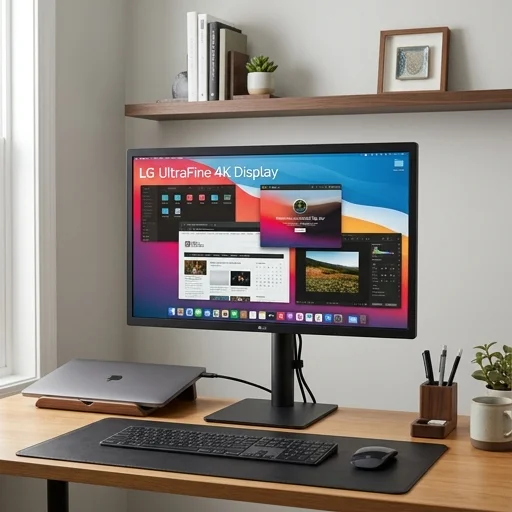
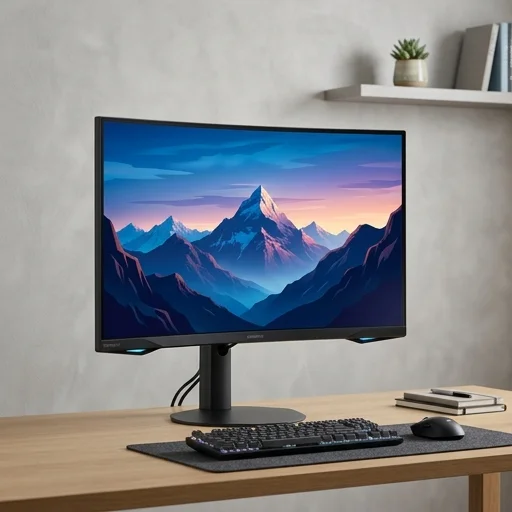
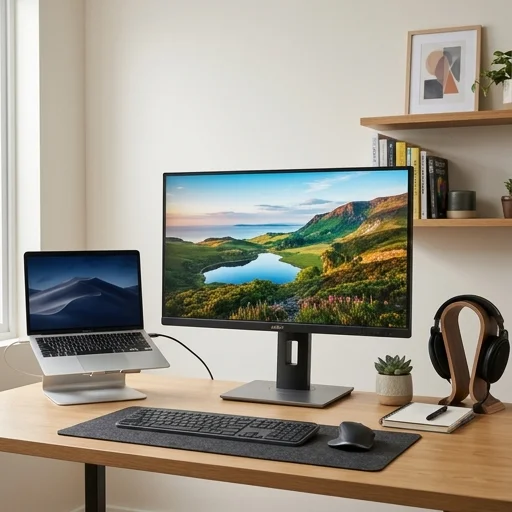
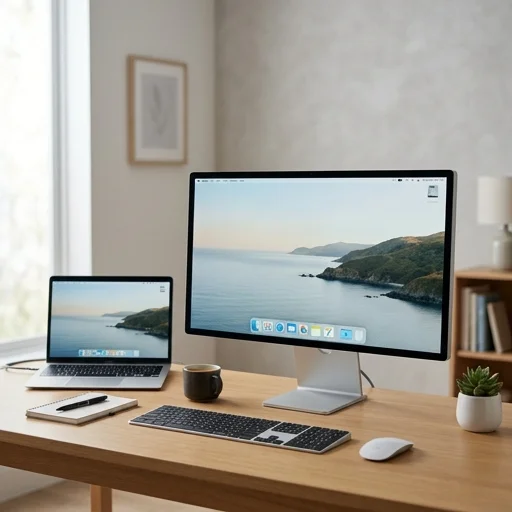
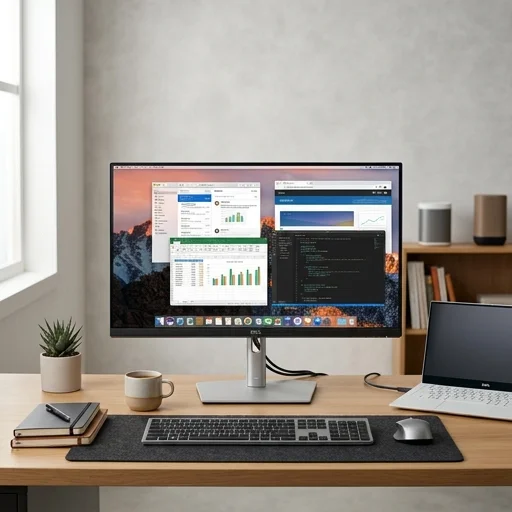
The Dell UltraSharp 27 Monitor is a purpose-built display for anyone serious about creating a productive and visually refined home office. With its 27-inch QHD IPS panel, it delivers sharp text clarity and accurate color reproduction, making it ideal for tasks ranging from spreadsheet analysis to photo editing. The near-borderless InfinityEdge design not only looks sleek on any desk but also allows for a seamless multi-monitor setup, a common need in modern home office configurations. Its ergonomic stand supports height, tilt, swivel, and pivot adjustments, ensuring that users can find their ideal viewing angle for long work sessions without strain. Beyond its visual performance, this Dell UltraSharp model is engineered with connectivity and efficiency in mind. It features USB-C with power delivery, allowing users to charge a connected laptop while transmitting video and data through a single cable—an especially convenient feature for those who want to minimize desk clutter in a home office environment. Additional ports, including HDMI, DisplayPort, and USB-A, ensure compatibility with a wide range of devices, from docking stations to external drives. Dell has also integrated ComfortView Plus technology to reduce blue light emissions without compromising color accuracy, helping to reduce eye fatigue during extended screen time, a critical consideration for remote workers and hybrid professionals. Reliability and sustainability are also central to the UltraSharp 27’s appeal within the home office space. Built with high-grade materials and backed by Dell’s reputation for premium build quality, the monitor is designed to withstand daily professional use over the long term. It also aligns with environmentally conscious values, incorporating recycled materials in its construction and packaging, appealing to users who prioritize sustainable technology choices. Combined with factory color calibration and support for wide color gamuts like sRGB and Rec. 709, the Dell UltraSharp 27 Monitor stands out as a dependable, visually stunning centerpiece for any home office setup, whether used for professional design work, everyday productivity, or hybrid work communication.
Customer reviews
The clarity and color accuracy are outstanding. I use it for both spreadsheets and photo editing, and it handles both beautifully. The single-cable USB-C connection to my laptop is a game changer.
Image quality is superb and the stand is very adjustable. My only gripe is the lack of built-in speakers, so I still need external ones.
The IPS Black panel gives deep contrast that's easy on the eyes during long sessions. Highly recommend for any home office.
A bit pricey but the build quality and color precision justify it. The KVM switch is super convenient for switching between my work and personal laptops.