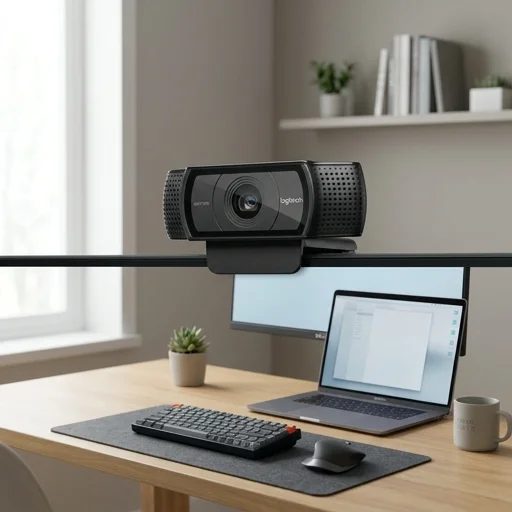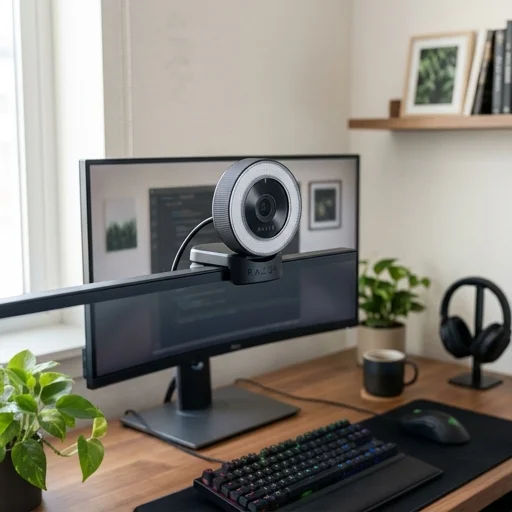
Logitech Brio 4K Webcam
Key features
- 4K Ultra HD resolution at 30fps
- HDR and RightLight 3 technology for low-light clarity
- 5x digital zoom with autofocus
- Windows Hello facial recognition IR sensor
- Wide field of view adjustable to 65, 78, or 90 degrees
- USB 3.0 connectivity with plug-and-play setup
Specifications
Pros
- ✓ Exceptional video sharpness for streaming and video calls
- ✓ Great low-light performance thanks to HDR
- ✓ Compatible with major platforms like Zoom, Teams, and Skype
- ✓ Windows Hello support speeds up secure login
- ✓ Adjustable field of view suits solo or group calls
Cons
- ✕ Premium price compared to standard webcams
- ✕ Requires USB 3.0 port for best performance
- ✕ Software features limited on macOS/Linux
- ✕ No physical privacy shutter included
In-Depth Review
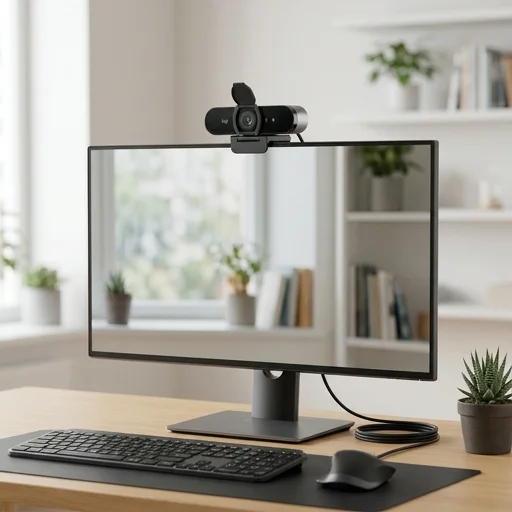
The Logitech Brio 4K webcam stands as one of the most trusted names in home office upgrades, delivering crisp, true-to-life video that transforms ordinary video calls into professional presentations. With support for 4K Ultra HD resolution at 30 frames per second, along with 1080p at 60fps for smoother motion during fast-paced meetings, this webcam ensures that whether you're leading a client presentation or checking in with a remote team, your image comes through sharp and clear. The HDR technology automatically adjusts to challenging lighting conditions, whether you're sitting in front of a bright window or working in a dimly lit room, so you always look polished and professional without needing extra studio lighting equipment. Beyond raw video quality, the Brio 4K is built with the home office in mind, offering a 90-degree field of view that can be adjusted to 65 or 78 degrees depending on whether you want to showcase your workspace or keep the focus tightly on yourself. Five times digital zoom allows you to frame the perfect shot, while the five-element glass lens ensures that autofocus remains fast and precise even as you move during calls. Windows Hello facial recognition integration adds a layer of convenience and security, letting you log into your computer instantly using the webcam's infrared sensor rather than fumbling with passwords each morning, a small touch that saves time throughout a busy workday. Audio quality often gets overlooked in webcam design, but the Brio 4K incorporates dual omnidirectional microphones with noise-canceling capability, ensuring that your voice comes through clearly while background noise like keyboard clicks or household activity fades into the background. The included privacy shutter gives peace of mind when the camera isn't in use, a simple physical solution that many remote workers appreciate in shared living spaces. Compatible with major platforms like Zoom, Microsoft Teams, and Google Meet, and easy to mount on a monitor or tripod, the Logitech Brio 4K webcam has become a staple accessory for anyone serious about elevating their home office setup with dependable, high-definition video and audio performance.
Customer reviews
The image quality is stunning, even in my dimly lit home office. Windows Hello login is a huge time-saver too.
Video quality is excellent and colors look natural, but I wish it came with a cheaper price tag and a privacy shutter.
Switched from a cheap webcam and the difference is night and day. The autofocus and zoom features are fantastic for presentations.
Works great with Teams and Zoom. Only gripe is it needs a USB 3.0 port, which meant buying an adapter for my older laptop.