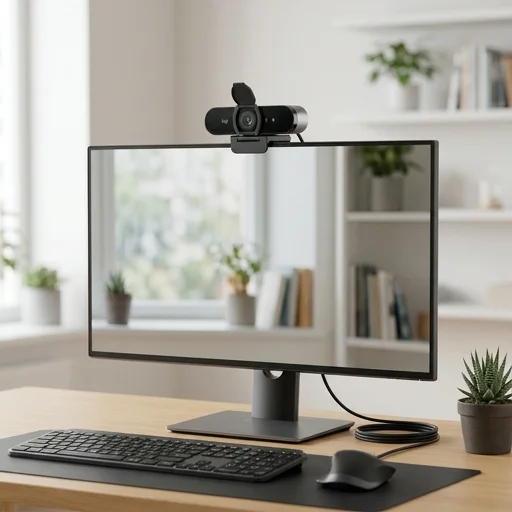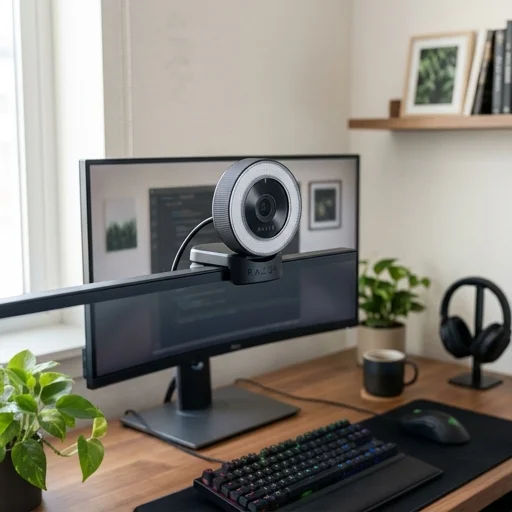
Logitech C920 HD Pro Webcam
Key features
- 1080p Full HD video recording at 30fps
- Autofocus lens with automatic light correction
- Dual stereo microphones with noise reduction
- Built-in privacy shutter
- Universal clip fits laptops and monitors
- H.264 video compression for efficient streaming
Specifications
Pros
- ✓ Excellent video quality for the price
- ✓ Wide compatibility with Zoom, Skype, Teams, OBS
- ✓ Easy plug-and-play USB setup
- ✓ Reliable autofocus and light correction
- ✓ Solid build quality with flexible mounting clip
Cons
- ✕ No physical privacy cover on some units
- ✕ Autofocus can hunt in low light
- ✕ USB cable is relatively short
- ✕ Field of view not adjustable
- ✕ Microphones pick up ambient room noise
In-Depth Review
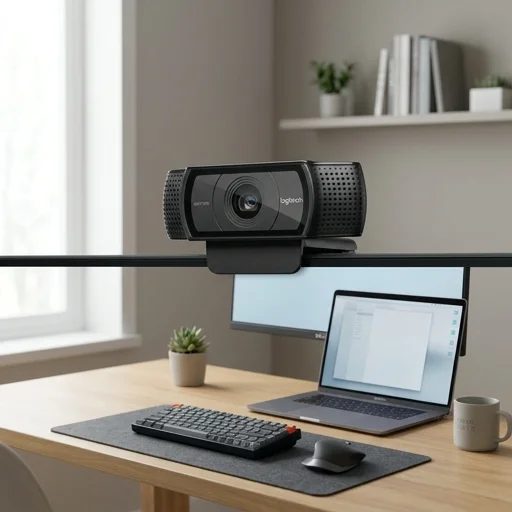
The Logitech C920 webcam remains a go-to choice for anyone building out a functional home office, delivering crisp 1080p full HD video that makes video calls, virtual meetings, and presentations look polished and professional. Its glass lens and autofocus system work together to keep you sharp and clear even as you shift positions or lean toward your screen, while built-in light correction technology automatically adjusts to your room's lighting conditions, whether you're working near a bright window or under dim evening lamps. This attention to visual clarity means colleagues, clients, and collaborators see you the way you want to be seen, without grainy, pixelated, or poorly lit footage undermining your professionalism. Beyond video quality, the C920 is built with practical work-from-home needs in mind. It features dual stereo microphones that capture clear audio, reducing the need for a separate microphone setup during calls or recorded presentations. The webcam clips easily onto laptop screens or monitors with a versatile, adjustable mount, and its compact, understated design blends seamlessly into any desk setup without adding clutter. Compatibility is broad and hassle-free, working smoothly with popular platforms like Zoom, Microsoft Teams, Skype, and Google Meet right out of the box, so there's no need to wrestle with complicated drivers or software installations before your first meeting. For home office professionals who rely on consistent, high-quality video communication, the Logitech C920 offers dependable performance without unnecessary complexity or cost. It captures video at up to 30 frames per second, ensuring smooth motion during dynamic presentations or when sharing your screen alongside a live camera feed. The USB plug-and-play connectivity keeps setup simple, letting you go from unboxing to broadcasting in minutes. Whether you're a freelancer conducting client calls, a remote employee joining daily standups, or someone recording tutorials and webinars from a home workspace, the C920 provides the reliable image and sound quality that modern remote work demands.
Customer reviews
Upgraded from my laptop's built-in camera and the difference is night and day. Video looks sharp during Zoom calls and setup took two minutes.
Picture quality is excellent for video conferencing. Only downside is the autofocus occasionally hunts when I move around my desk.
Been using this for over a year for daily client meetings. Audio and video quality hold up well, and it just works every time.
Video is crisp and clear, but I ended up using a separate mic since the built-in ones pick up my keyboard clicks.