
1
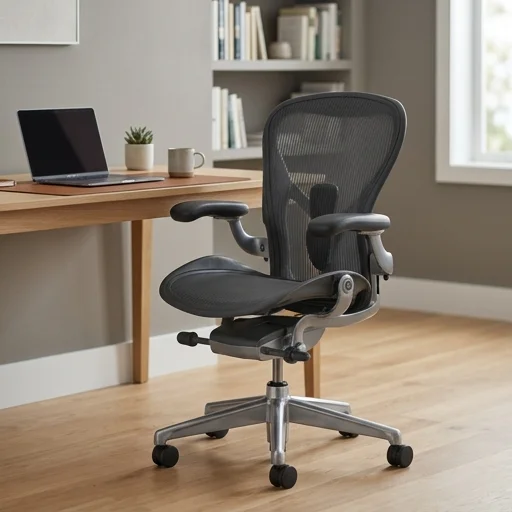
Office Chair
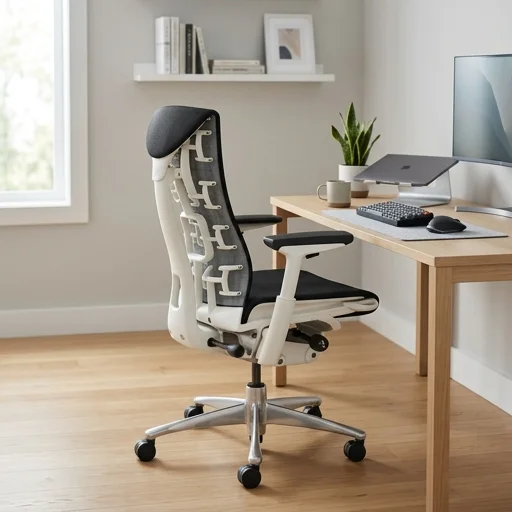
Herman Miller Aeron Chair
- Superior lumbar support
- Breathable all-day comfort
- 12-year warranty
We put desks, chairs, monitors, and every cable-taming accessory through weeks of real daily work — so you can spend once and set your space up right.
Hand-selected favorites for WorkDen Lab
Office Chair
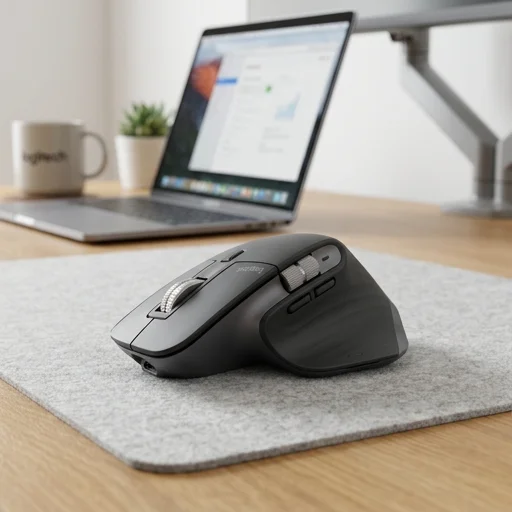
Mouse
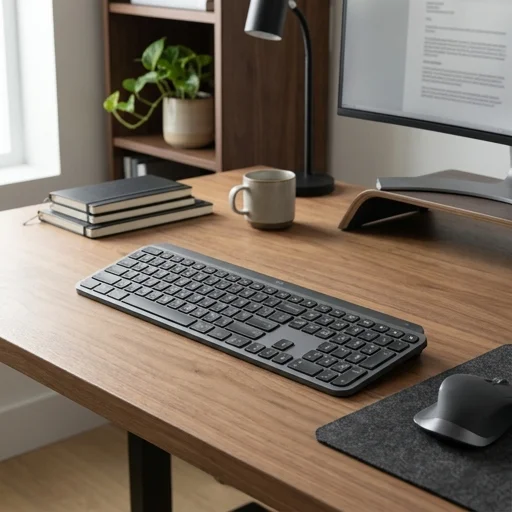
Keyboard
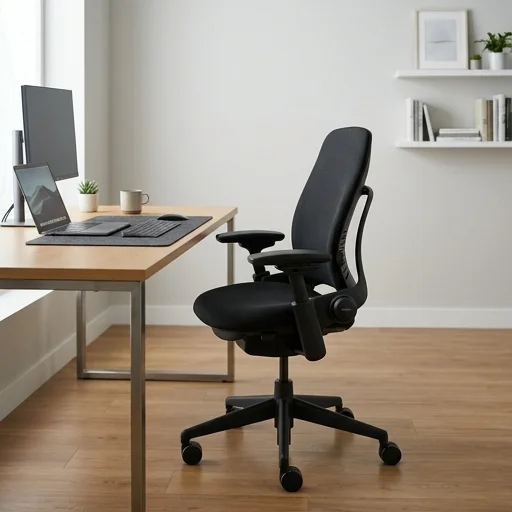
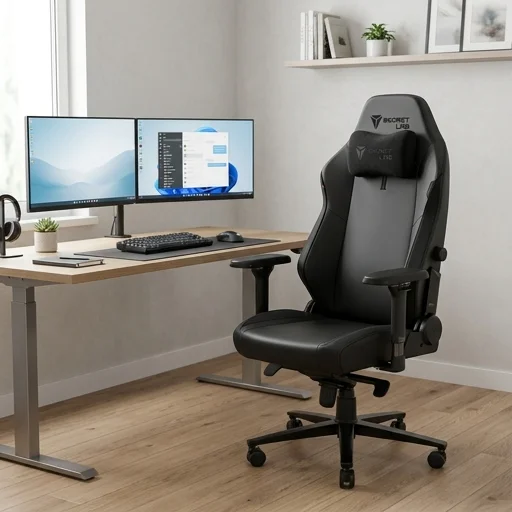
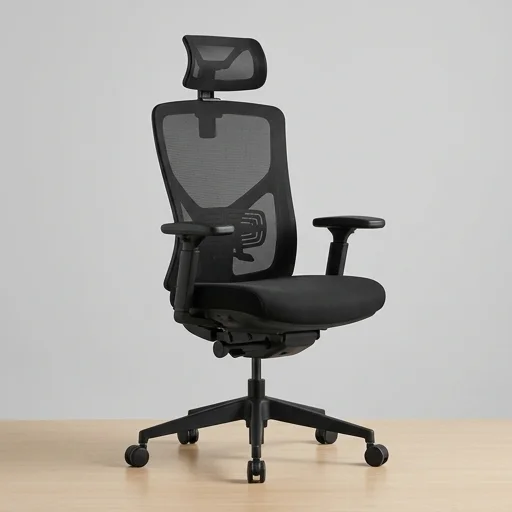
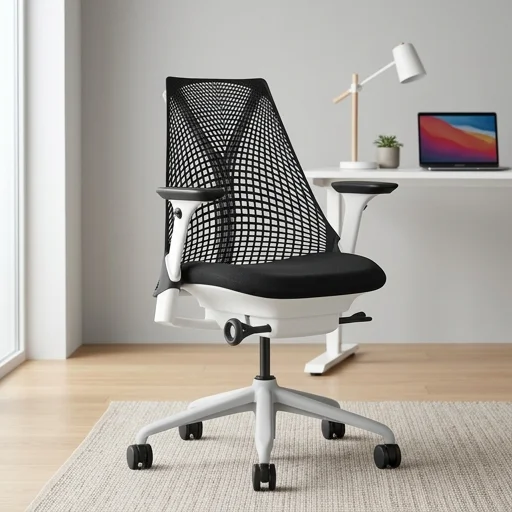
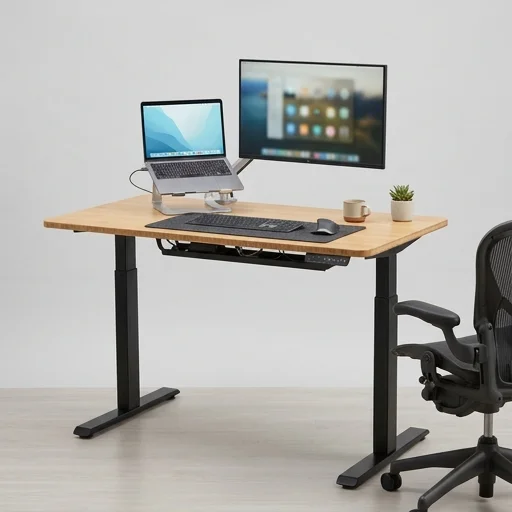
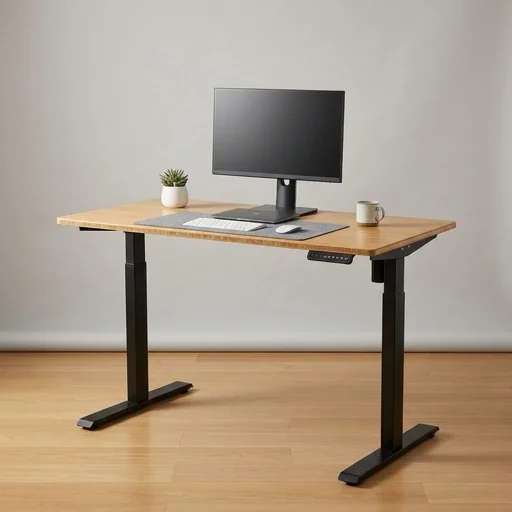
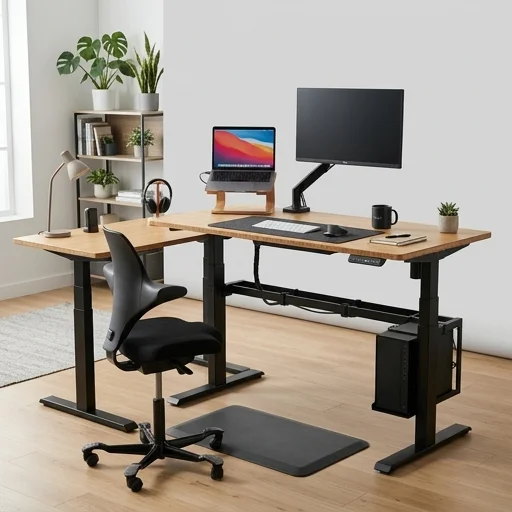
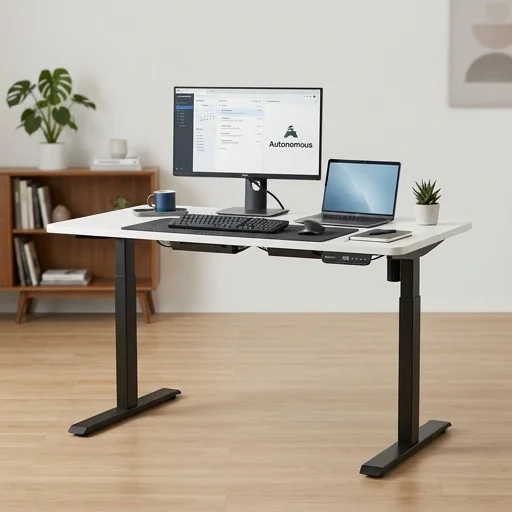
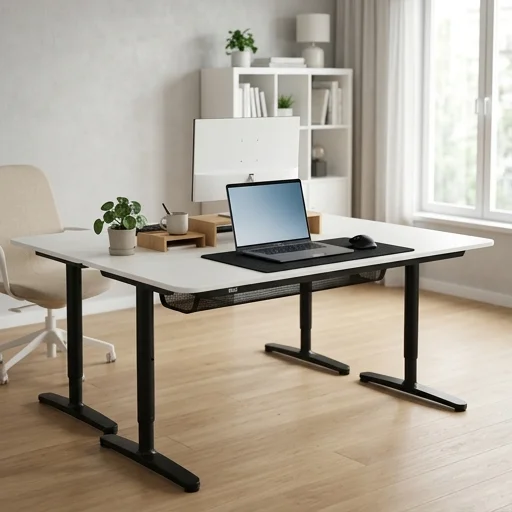
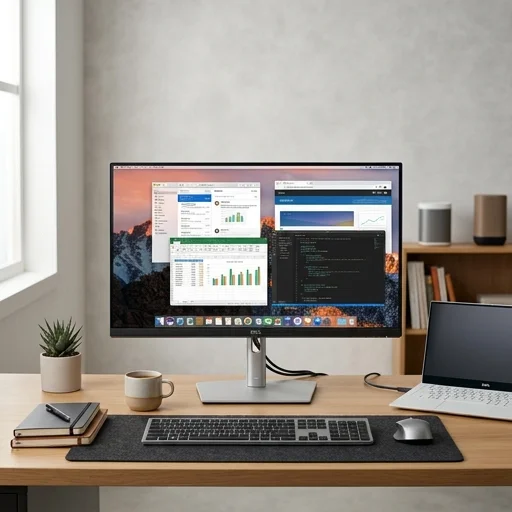
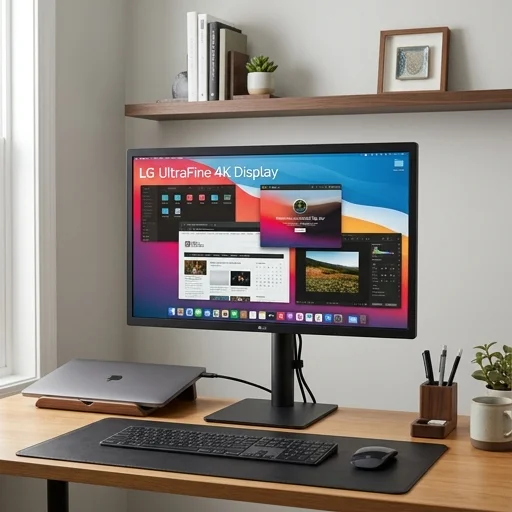
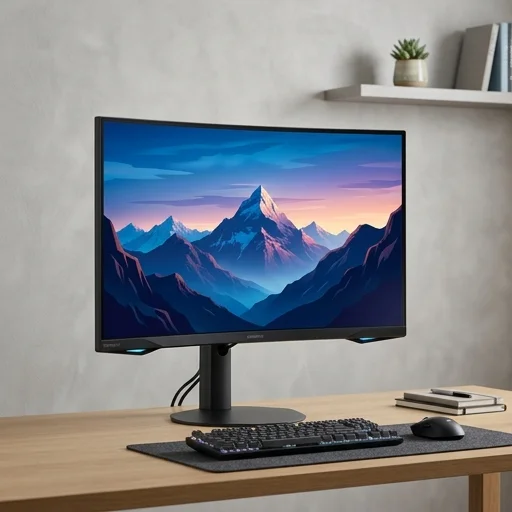
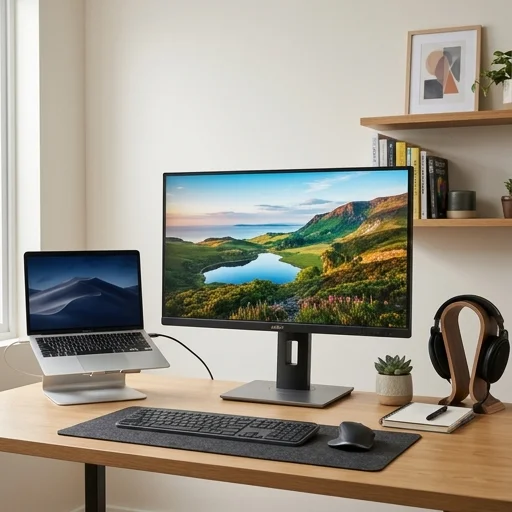
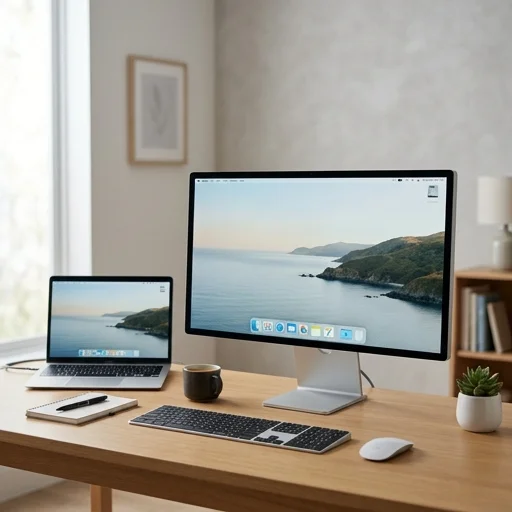
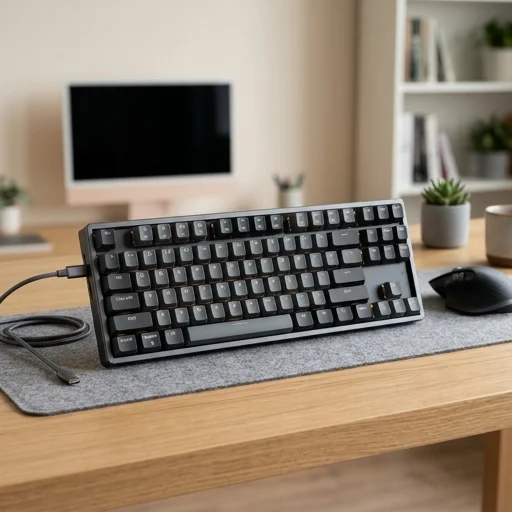
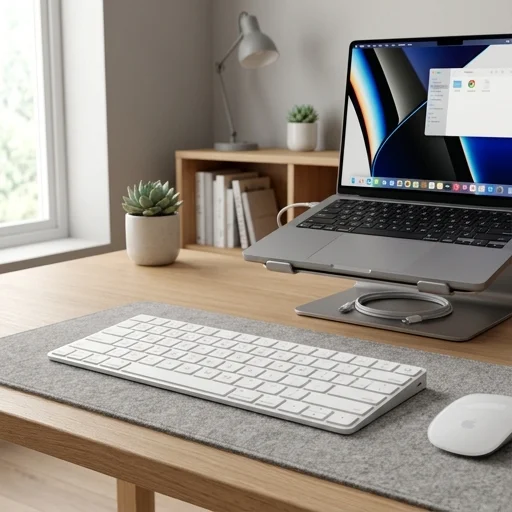
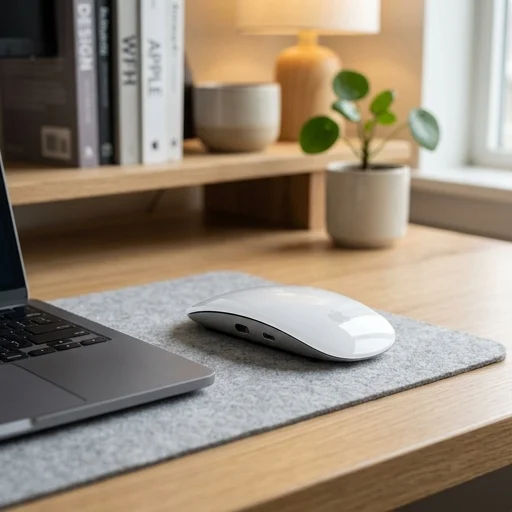
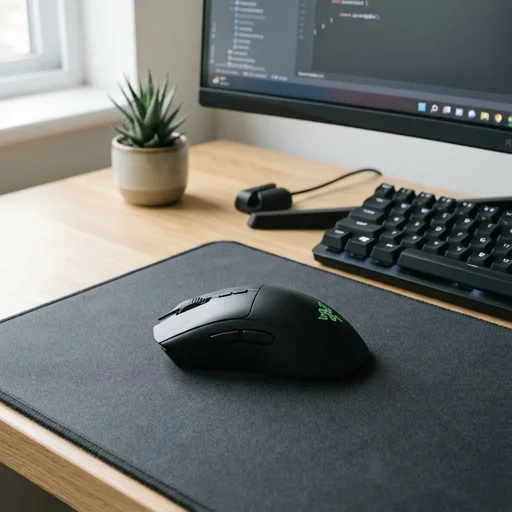
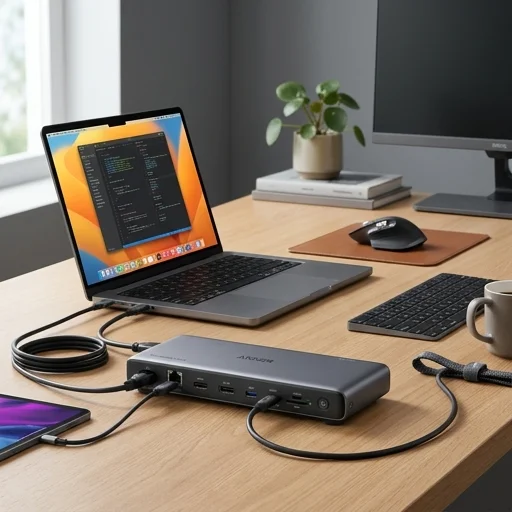
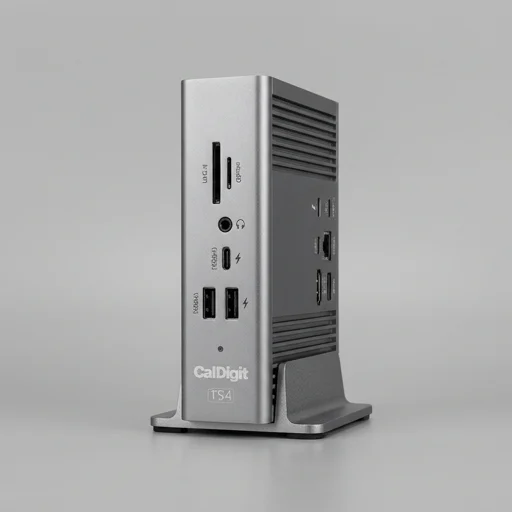
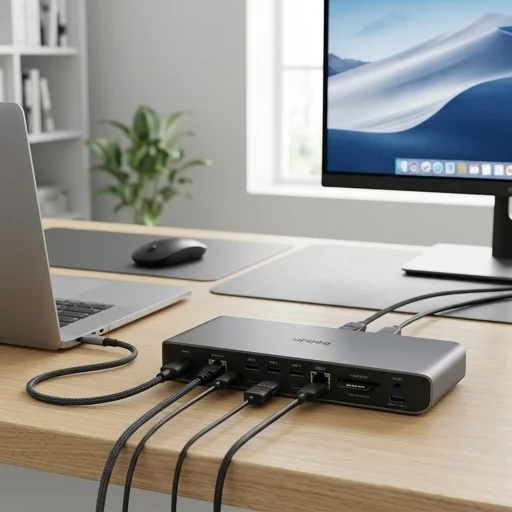
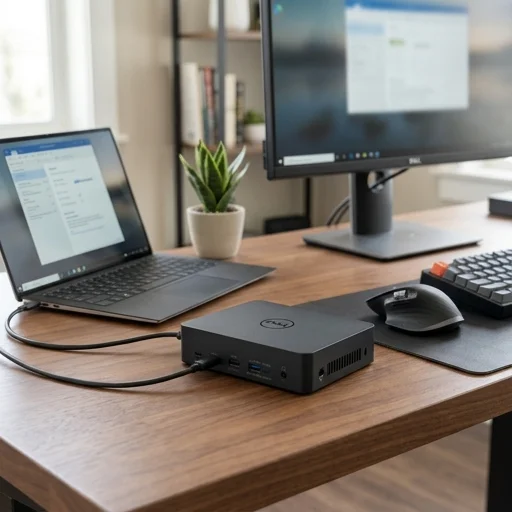
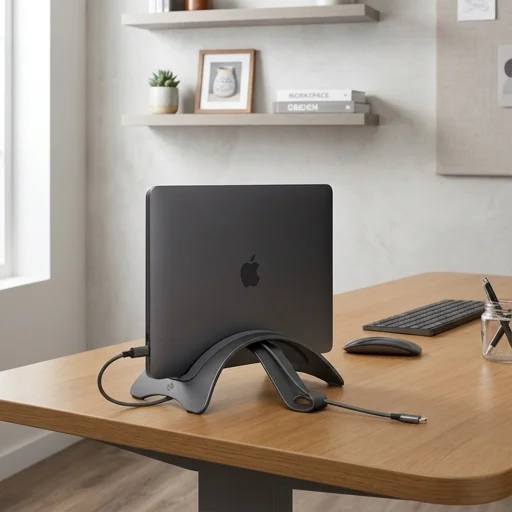
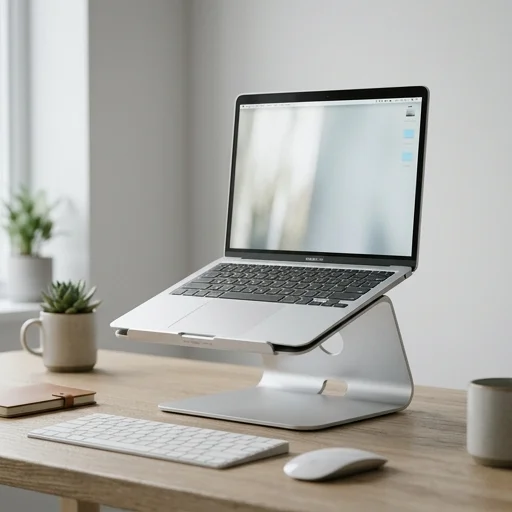
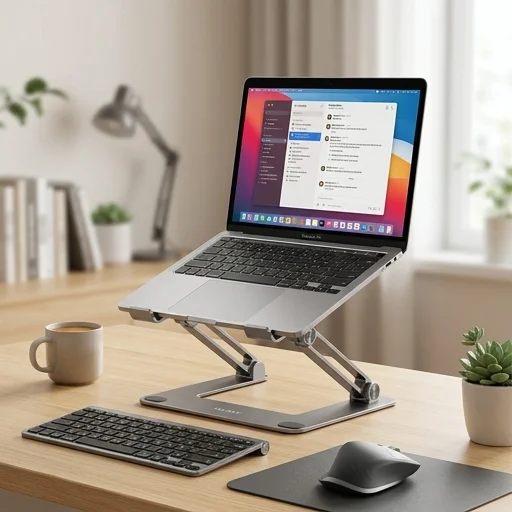
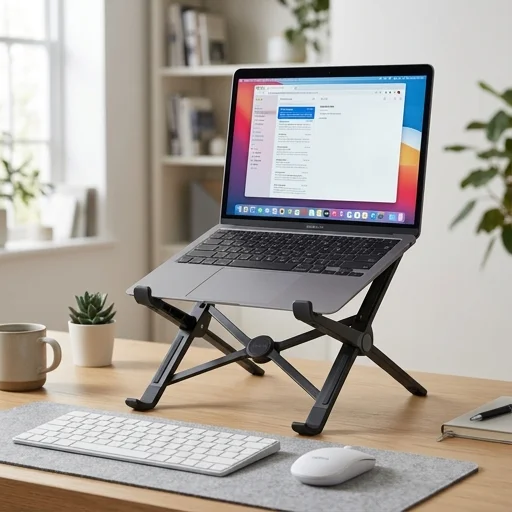
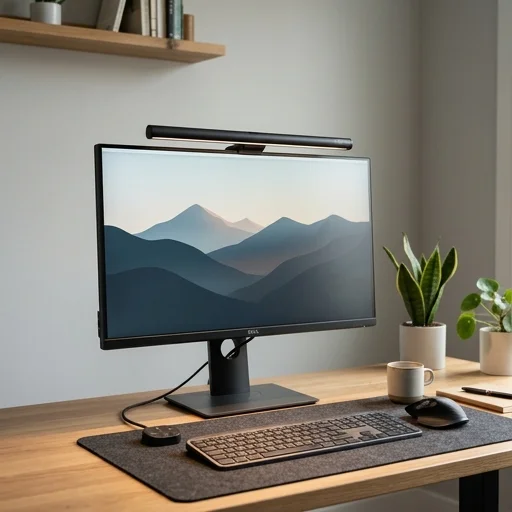
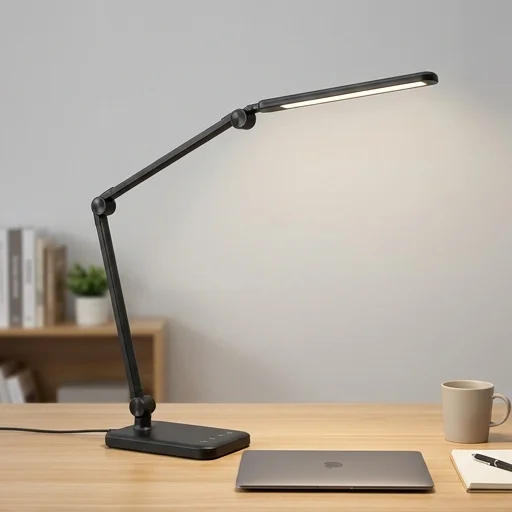
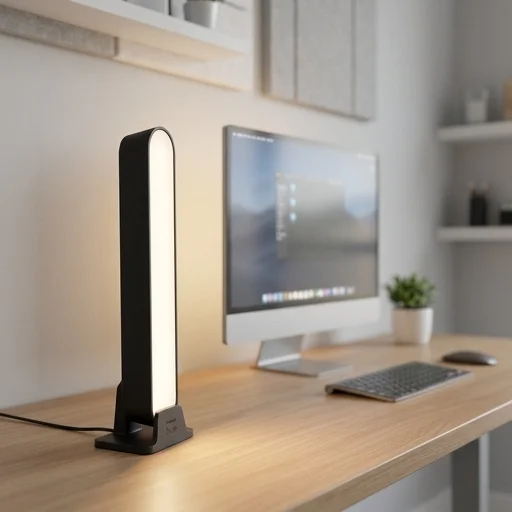
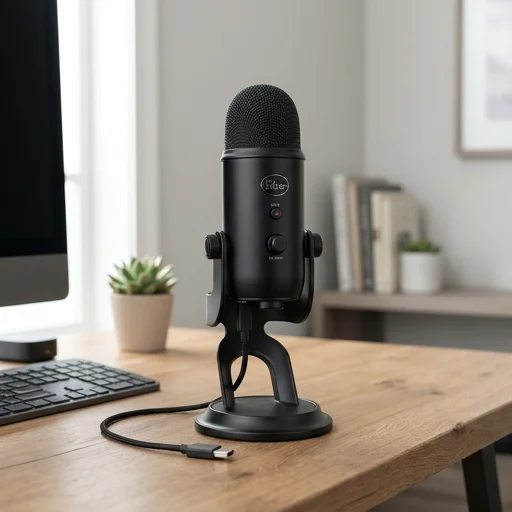
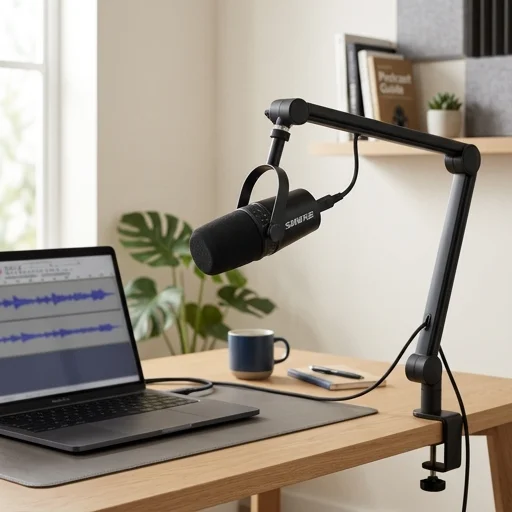
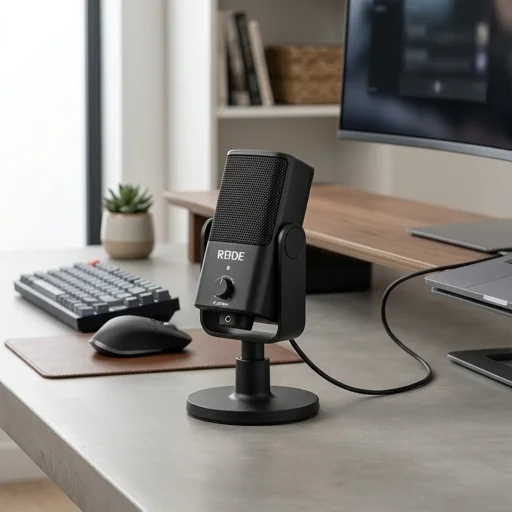
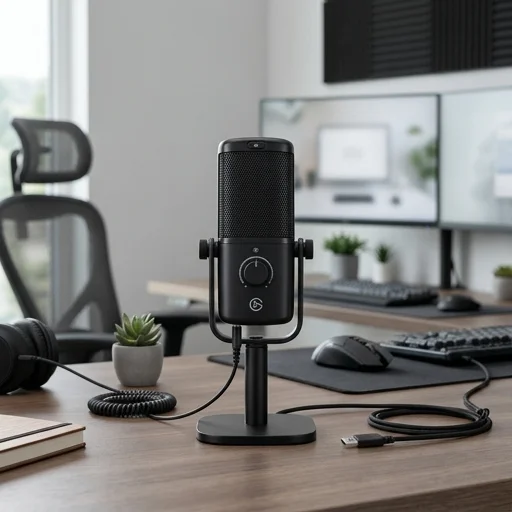
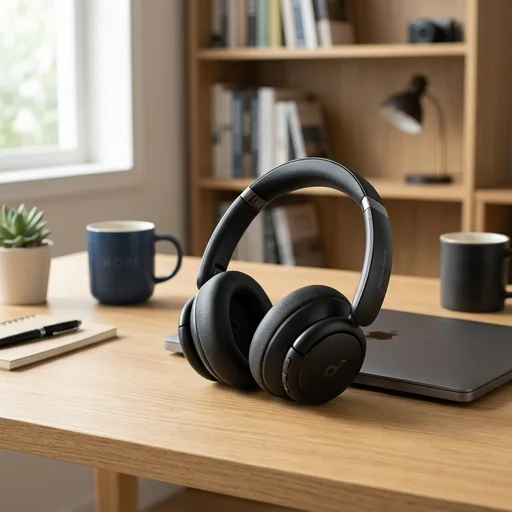
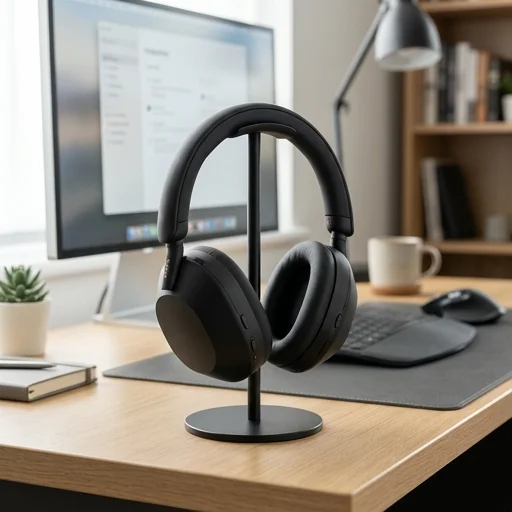
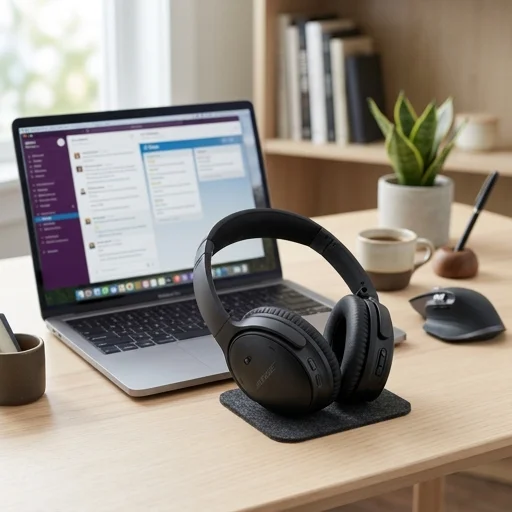
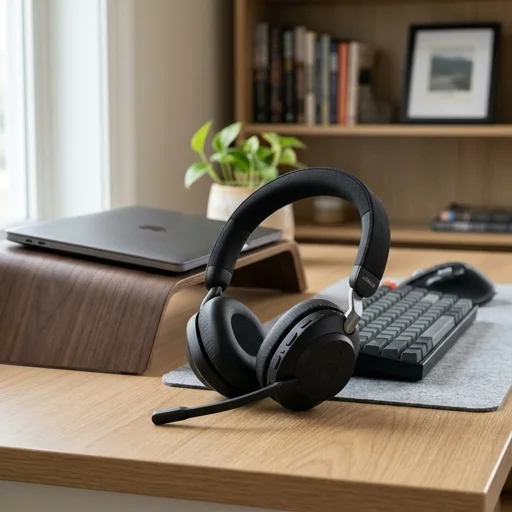
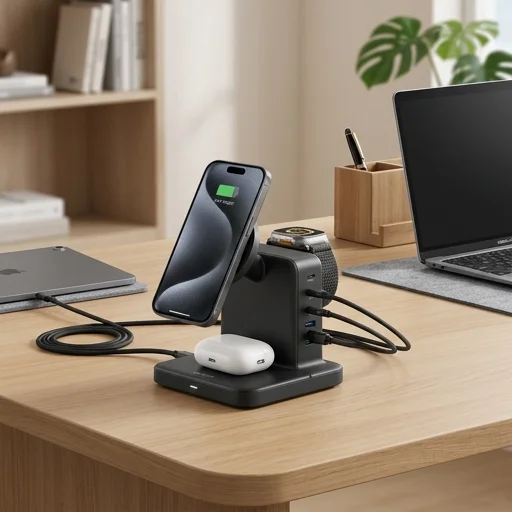
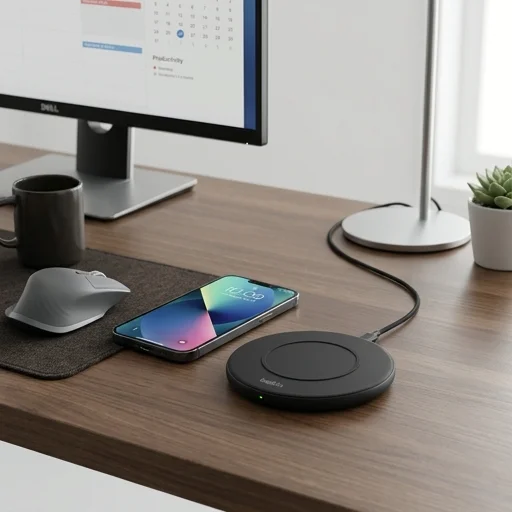
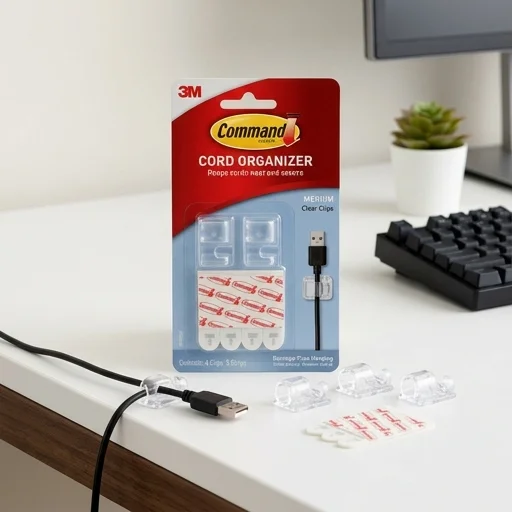
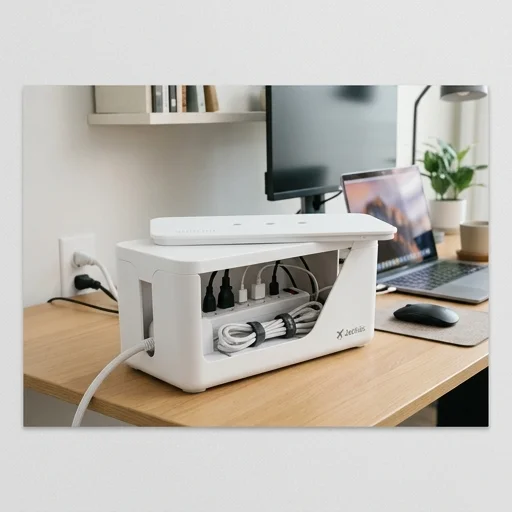
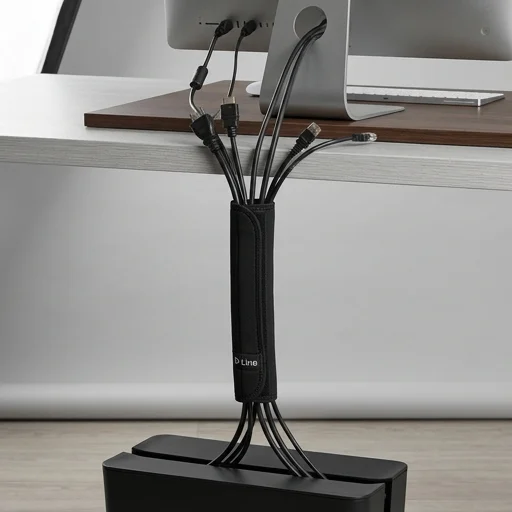
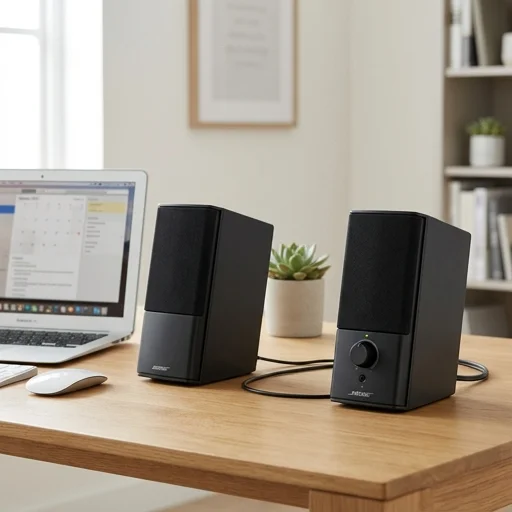
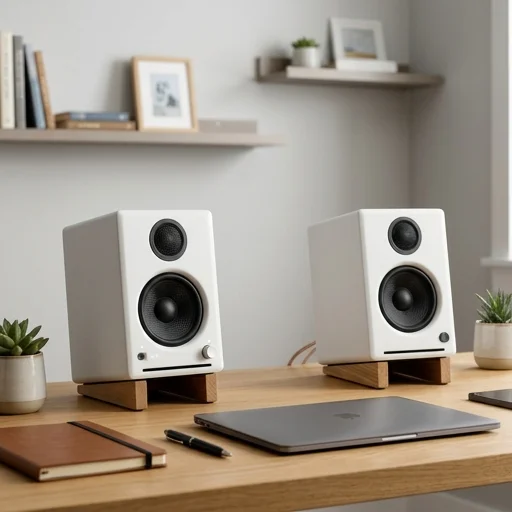
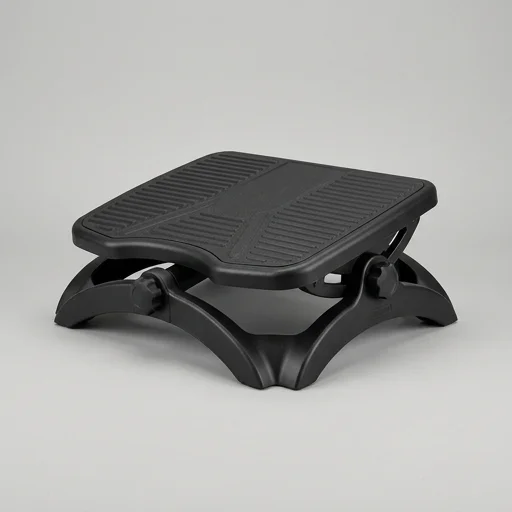
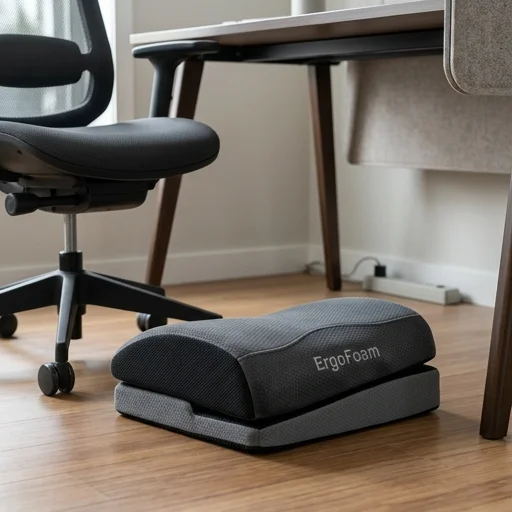
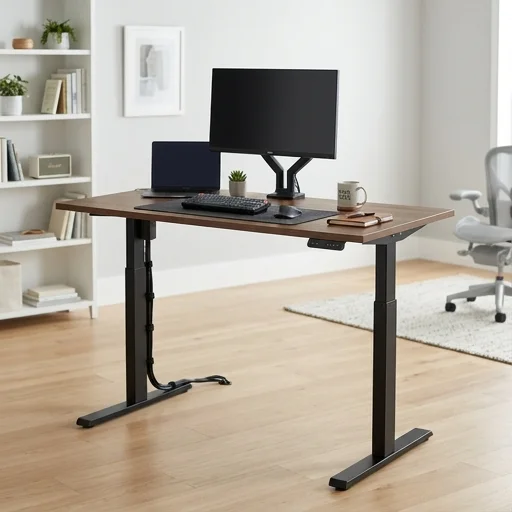
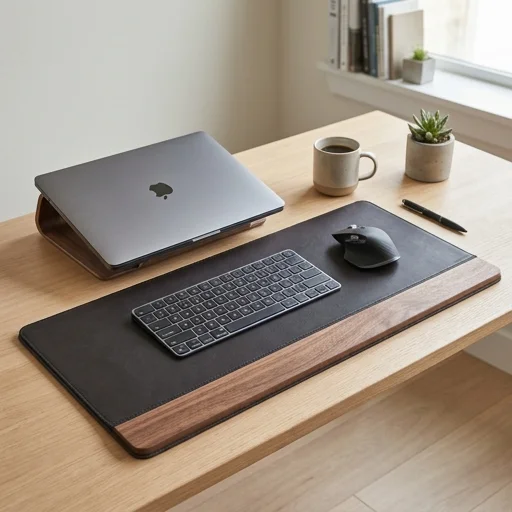
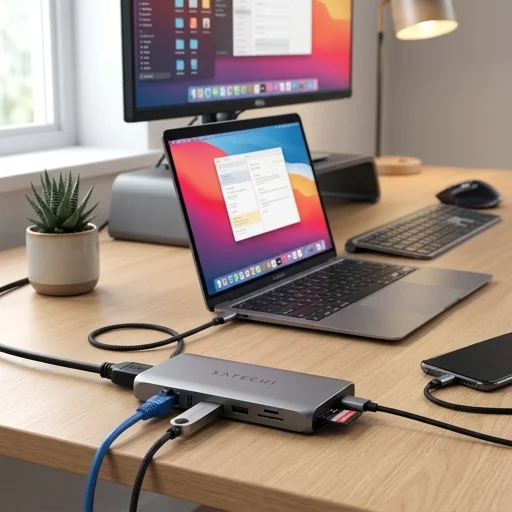
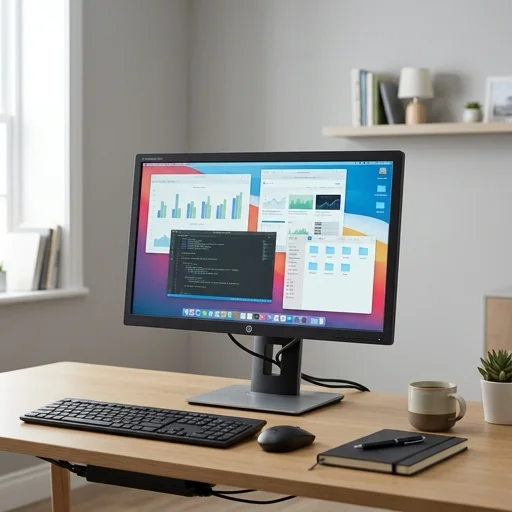
How our highest-rated home office picks compare on comfort, build quality, and everyday value.
| Rank | Product | Best for | Rating | Pros / Cons | |
|---|---|---|---|---|---|
| 🥇 | Herman Miller Aeron Chair Office Chair | All-day comfort | 4.8 | +7 / −2 | Read review |
| 🥈 | Logitech MX Master 3S Wireless Mouse Mouse | Precision work | 4.7 | +6 / −3 | Read review |
| 🥉 | Logitech MX Keys Wireless Keyboard Keyboard | Fast, quiet typing | 4.6 | +6 / −3 | Read review |
| 4 | Shure MV7 USB/XLR Podcast Microphone Microphone | Podcasts & calls | 4.6 | +5 / −3 | Read review |
| 5 | Sony WH-1000XM5 Wireless Headphones Headphones | Focus & calls | 4.5 | +5 / −2 | Read review |
Every desk, chair, monitor arm and accessory featured on WorkDen Lab is evaluated by our editors through real, day-to-day use in a working home office — not a quick unboxing. We look past marketing claims and focus on how each product performs once it's part of an actual workday, week after week. Our goal is simple: help you separate genuinely useful gear from products that just look good in a listing.
We assess the materials, joints, hinges and hardware used in construction, checking for stability, fit and finish, and how confidently a piece holds up to regular adjustment and daily wear.
Adjustability, posture support and comfort over long sitting or standing sessions are weighed carefully, since a home office product is only as good as how it feels after several hours of real use.
We factor in how straightforward assembly and setup are, along with how intuitive controls, cable routing and adjustments feel once the product is installed at a desk.
Finally, we compare what a product delivers against its price point and category peers, so every recommendation reflects genuine value rather than just premium branding.
Budgets vary widely depending on how many hours you spend at your desk and whether you already own a chair or monitor. A sensible approach is to prioritize the items you touch every day — chair, desk and monitor — before spending on accessories.
A standing desk isn't essential, but many people find alternating between sitting and standing helps with comfort during long work days. If budget is tight, a supportive chair and correct monitor height may matter more.
Look for adjustable seat height, lumbar support and armrests that suit your desk height. Comfort is personal, so where possible check return policies before committing to a higher-priced chair.
A monitor arm can free up desk space and make it easier to get your screen to eye level, which may reduce neck strain. It's most useful if your current monitor stand is fixed or too low.
Basic cable clips, an under-desk tray or a simple velcro strap can keep cords from tangling. Start with the cheapest option and upgrade only if you still find cables getting in the way.
Not necessarily. Compatibility matters for things like monitor arms and desk accessories, but chairs, desks and lighting can usually be mixed and matched based on what fits your space and budget.